
Top up an advert
Guide for promoting an advert. You can top up while creating an advert, from My Ads, or from My Orders when a top-up order is waiting for payment.
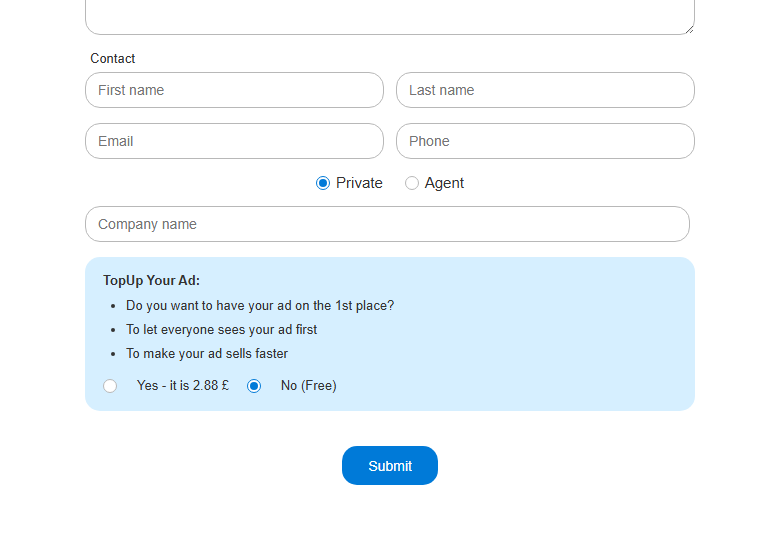
- 1. Option A: while creating an advert, choose the paid top-up option before submitting.
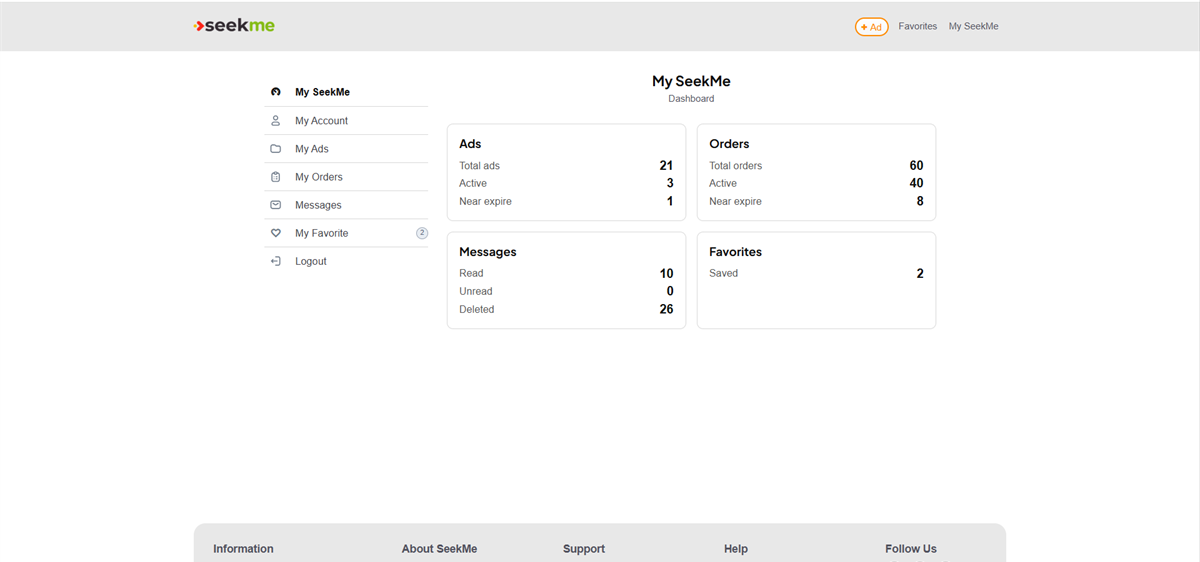
- 2. Option B: open My SeekMe and go to My Ads.
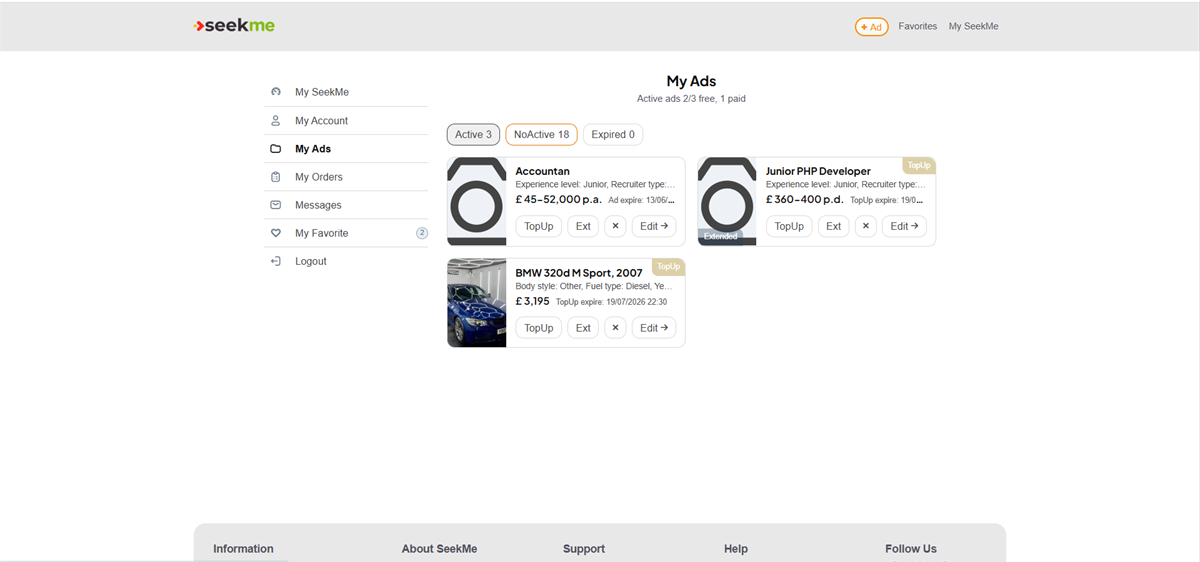
- 3. In My Ads, find the advert and choose TopUp.
- 4. Option C: open My Orders and use Pay or View for a waiting top-up order.
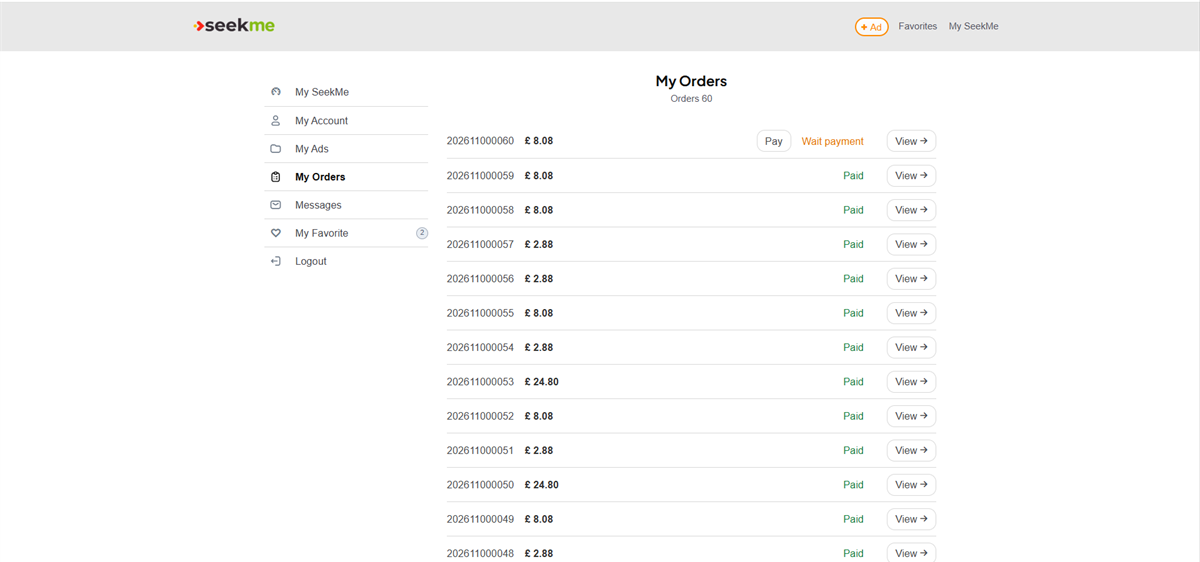
- 5. Check the order summary, package, duration and price.
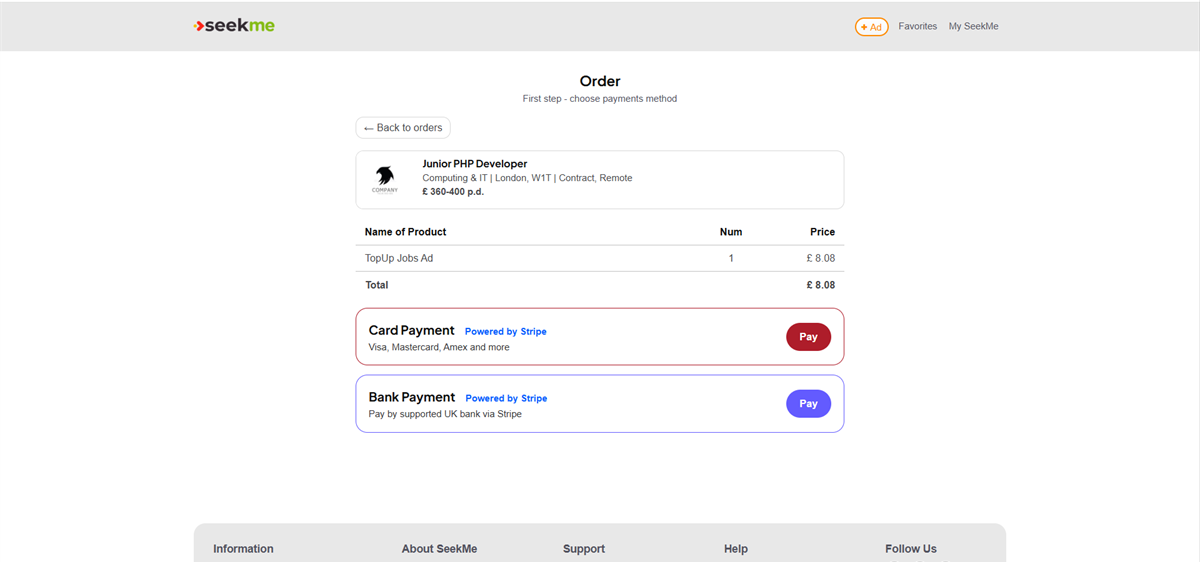
- 6. Choose a payment method and complete payment if required.
