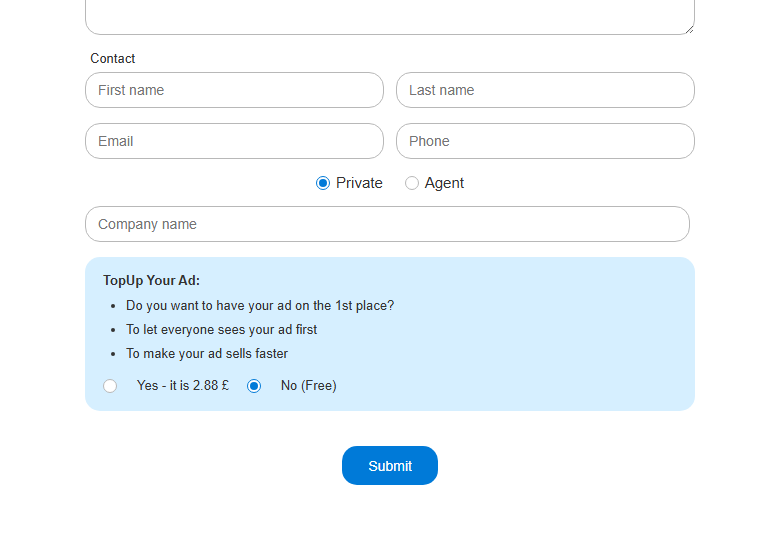
Create an advert
Guide for publishing a new property, market, vehicle or job advert.
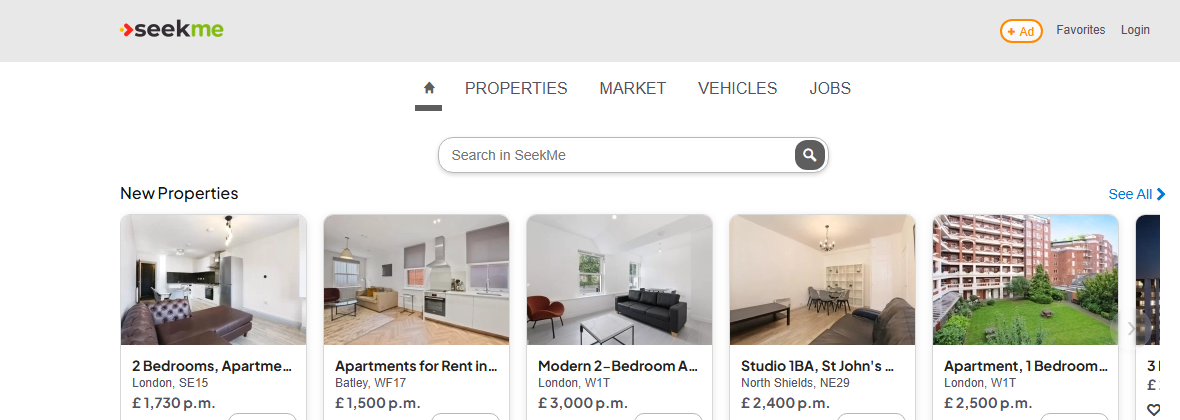
- 1. Click + Ad in the top navigation.
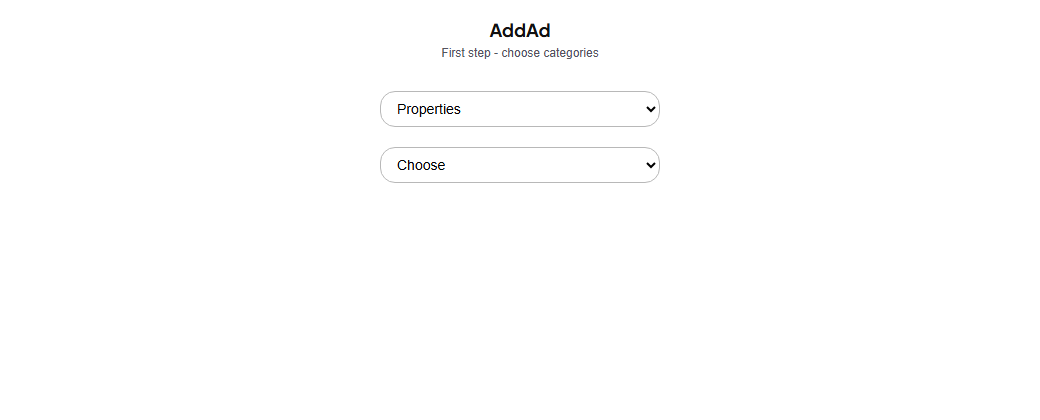
- 2. Choose the correct category and advert type.
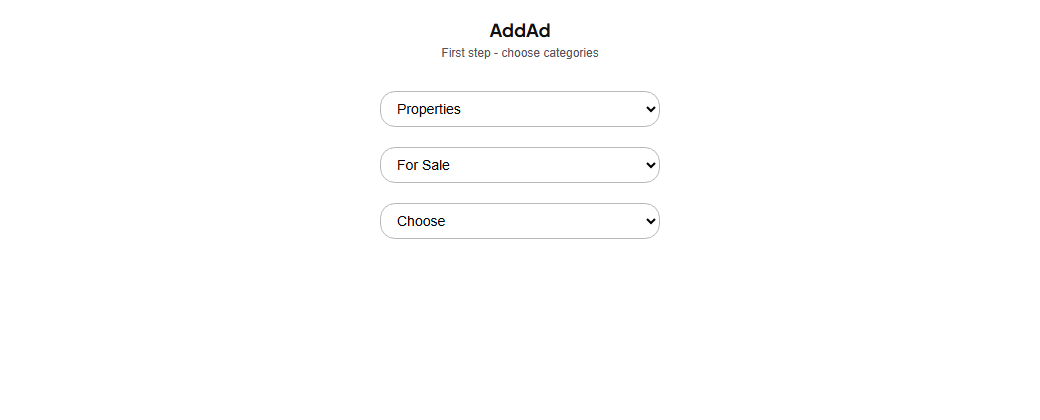
- 3. Choose the subcategory if it is shown.
- 4. Complete all required fields.
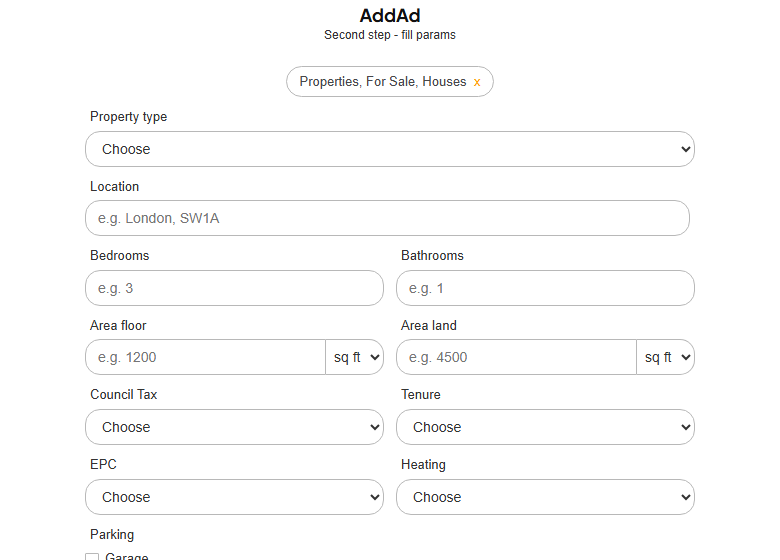
- 5. Add price or salary where relevant, photos, title and description.
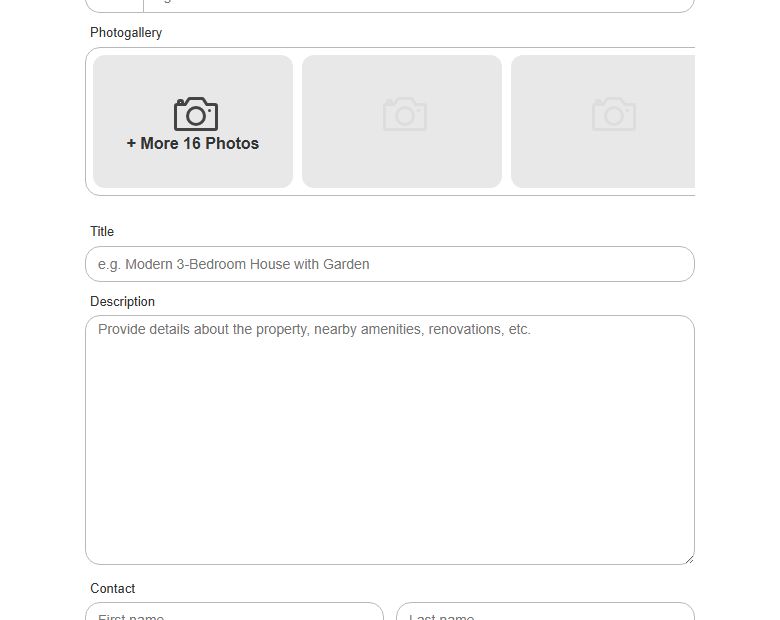
- 6. Choose free or paid top-up, then submit the advert.